Camera Bridge
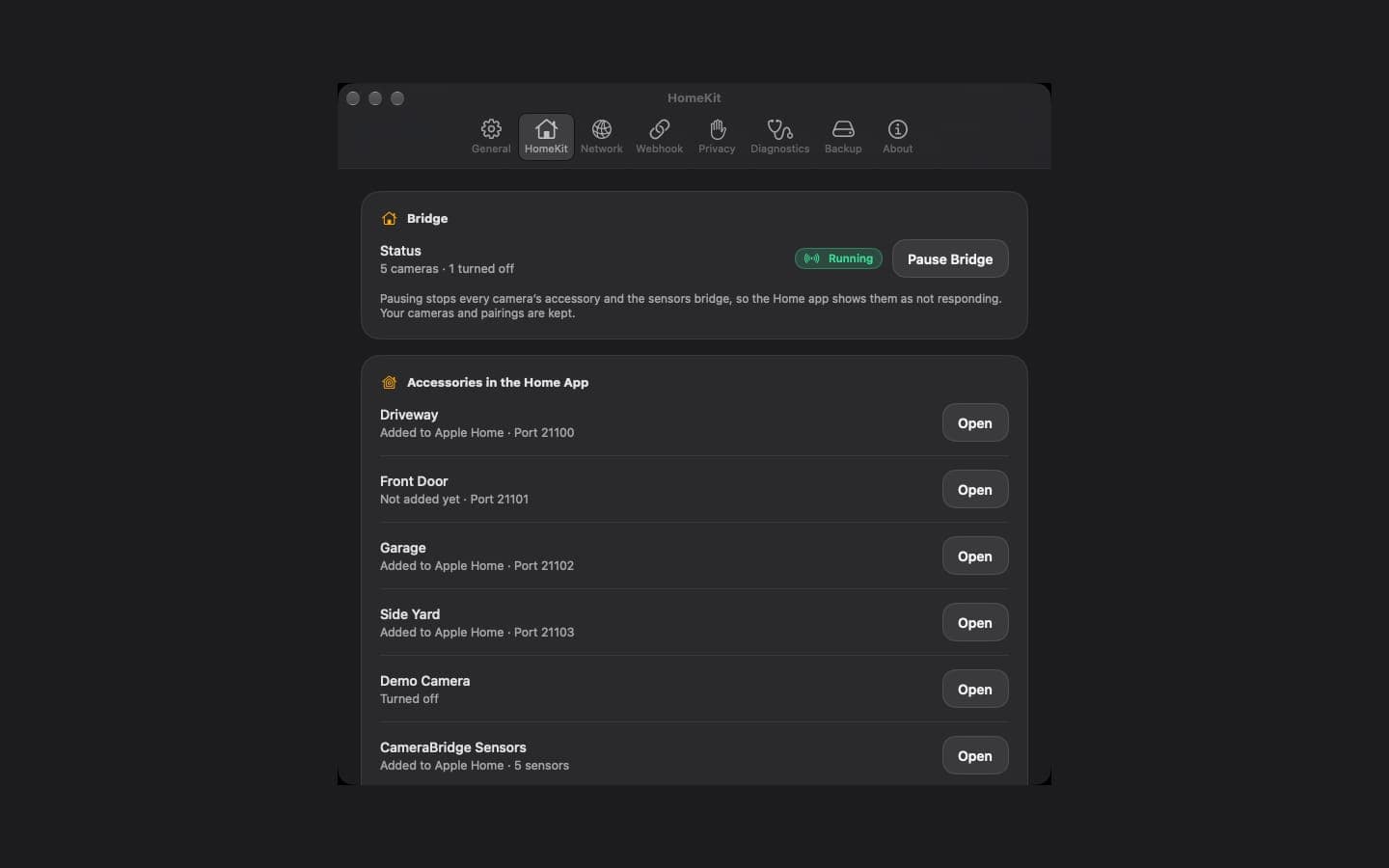
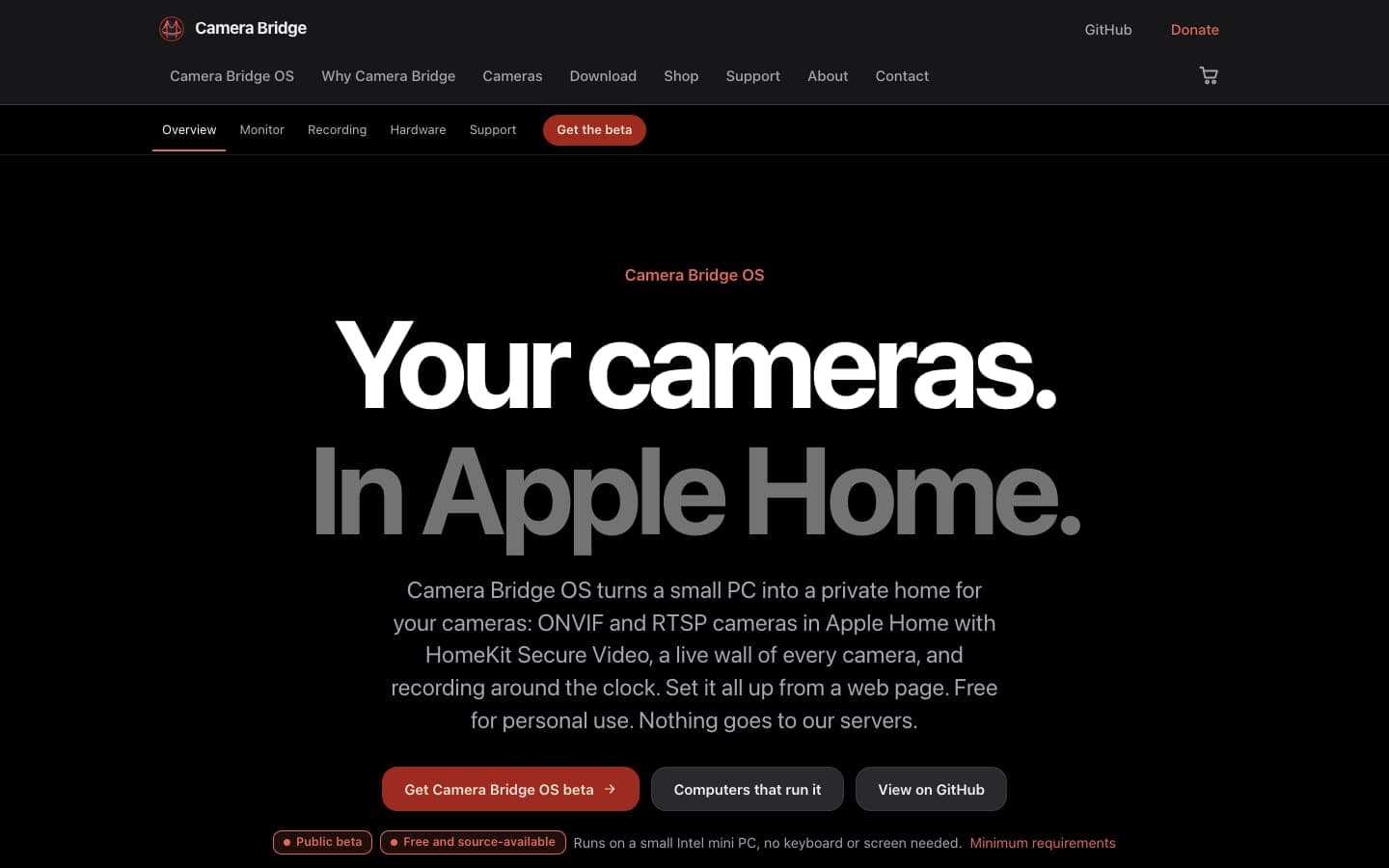
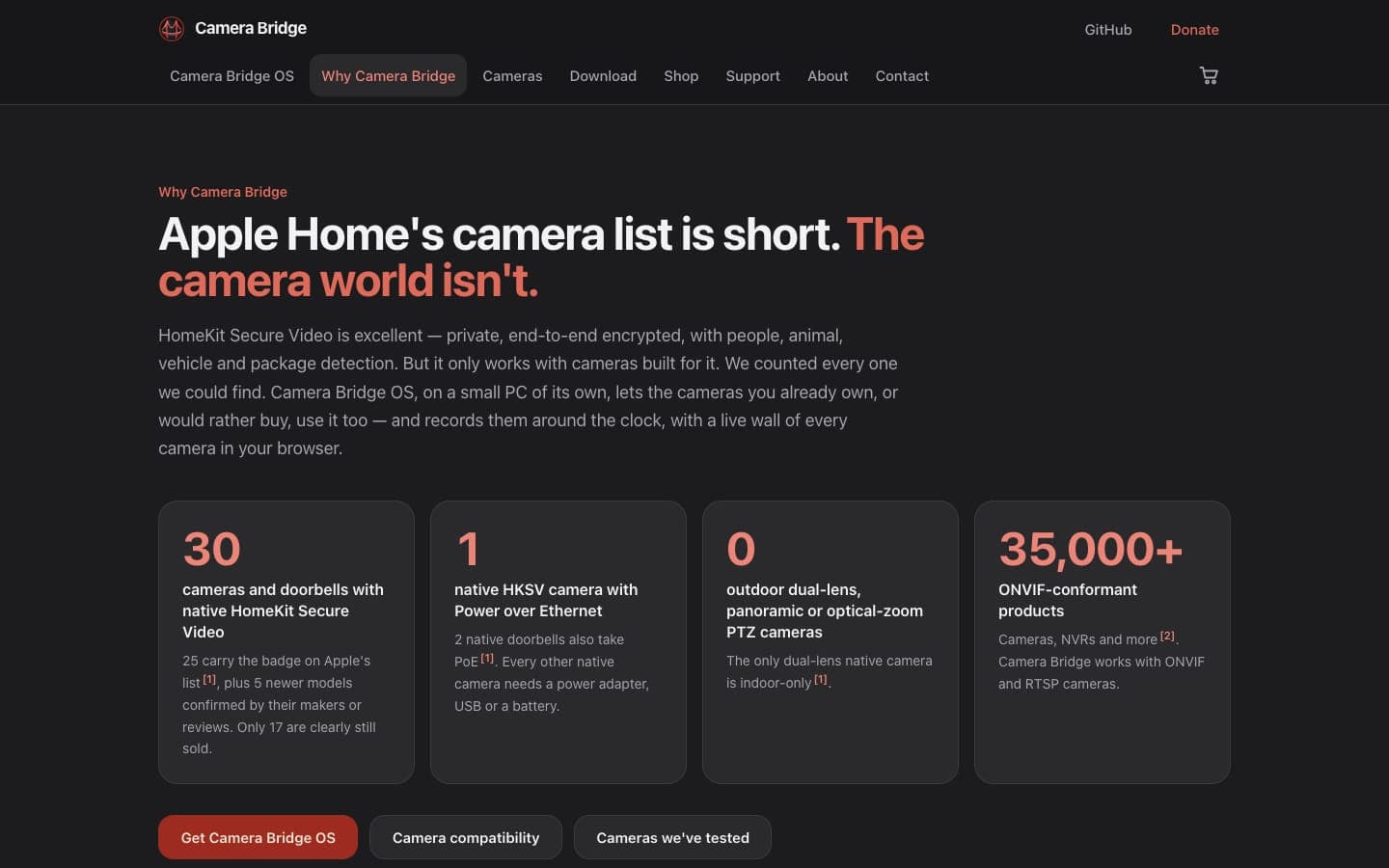
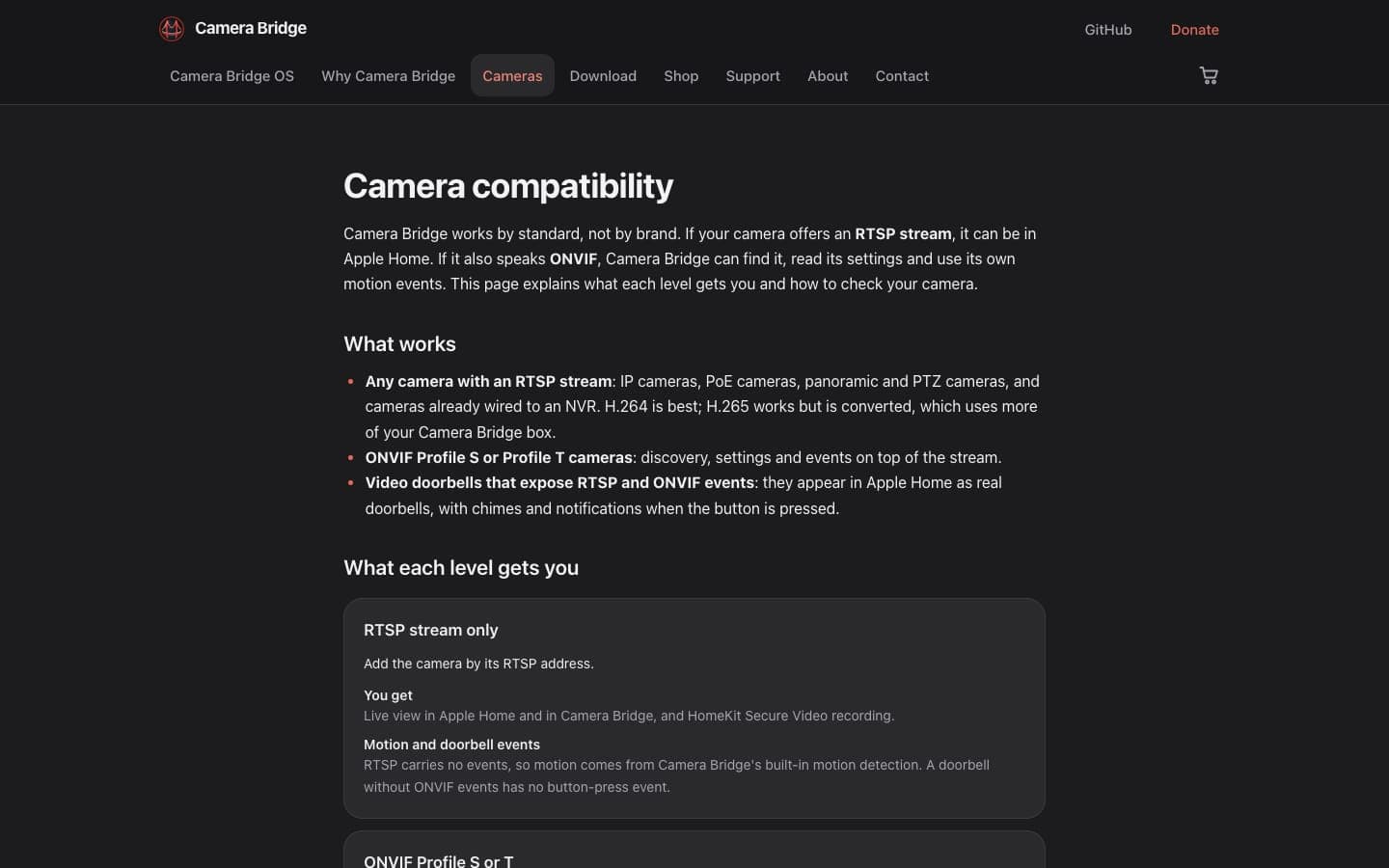
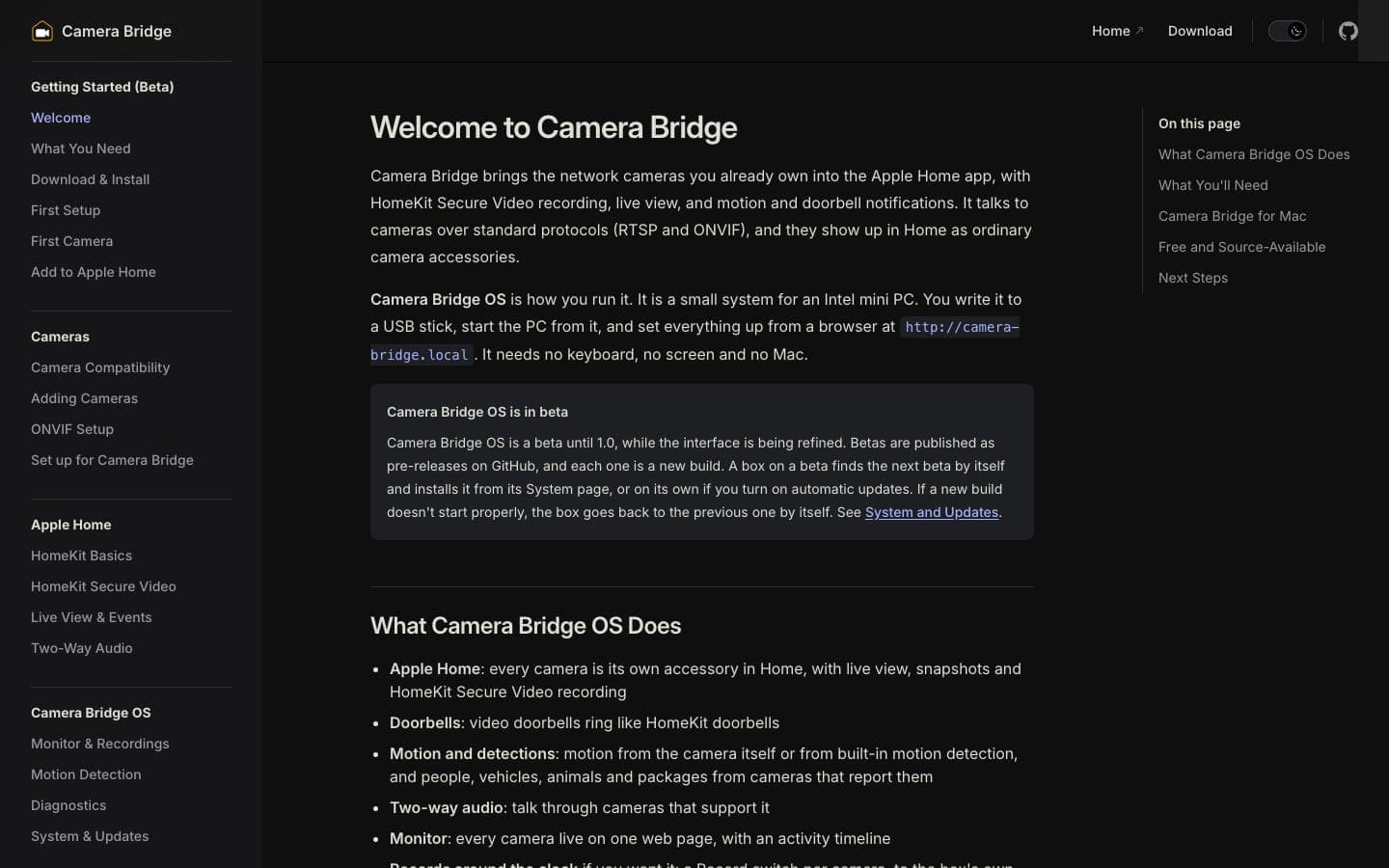
Most network cameras can't record to Apple Home on their own. Camera Bridge talks to them over RTSP and ONVIF and publishes each one to the Home app as a HomeKit camera, with HomeKit Secure Video recording, live view, snapshots and doorbells. The HomeKit Accessory Protocol is implemented from scratch in portable Swift. The same engine runs Camera Bridge OS, a small Linux system for a mini PC that also records every camera around the clock and is set up entirely from a browser.
At a glance
- Type
- App
- Industry
- Smart home
- Live site
- camera-bridge.app
- Built with
- Swift 6.4 with its own HomeKit Accessory Protocol stack, on Debian 13 built with mkosi
- Platforms
- Camera Bridge OS for Linux (beta); the earlier Mac app is archived
- Codebase
- About 99,000 lines of engine code and 104,000 lines of tests
- Commits
- 892 on the engine and OS since September 30, 2026, plus 58 on the website
One engine, two platforms
The whole engine is one Swift package. Every module except the Apple platform layer is portable Swift, and a test keeps it that way.
A platform supplies a short list of services: networking, mDNS, a secret store, network-change events and codecs. On a Mac they come from Network.framework, the Keychain and VideoToolbox. On Linux they come from POSIX sockets, Avahi, an AES-GCM encrypted file store and ffmpeg with VA-API hardware encoding.
HomeKit Secure Video wants H.264 passed through untouched, so the bridge only transcodes where it has to: audio, H.265 cameras and the timestamp overlay.
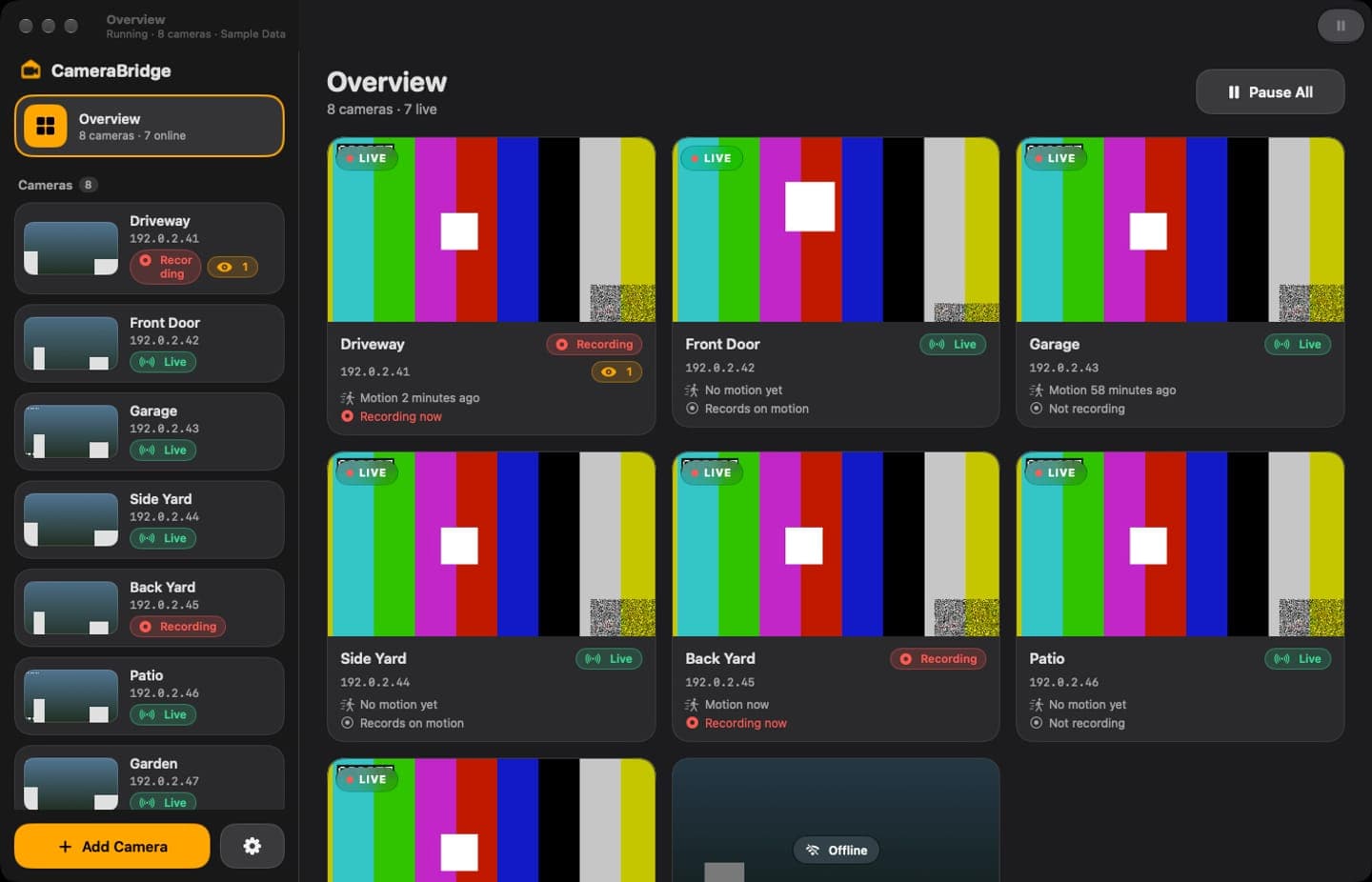
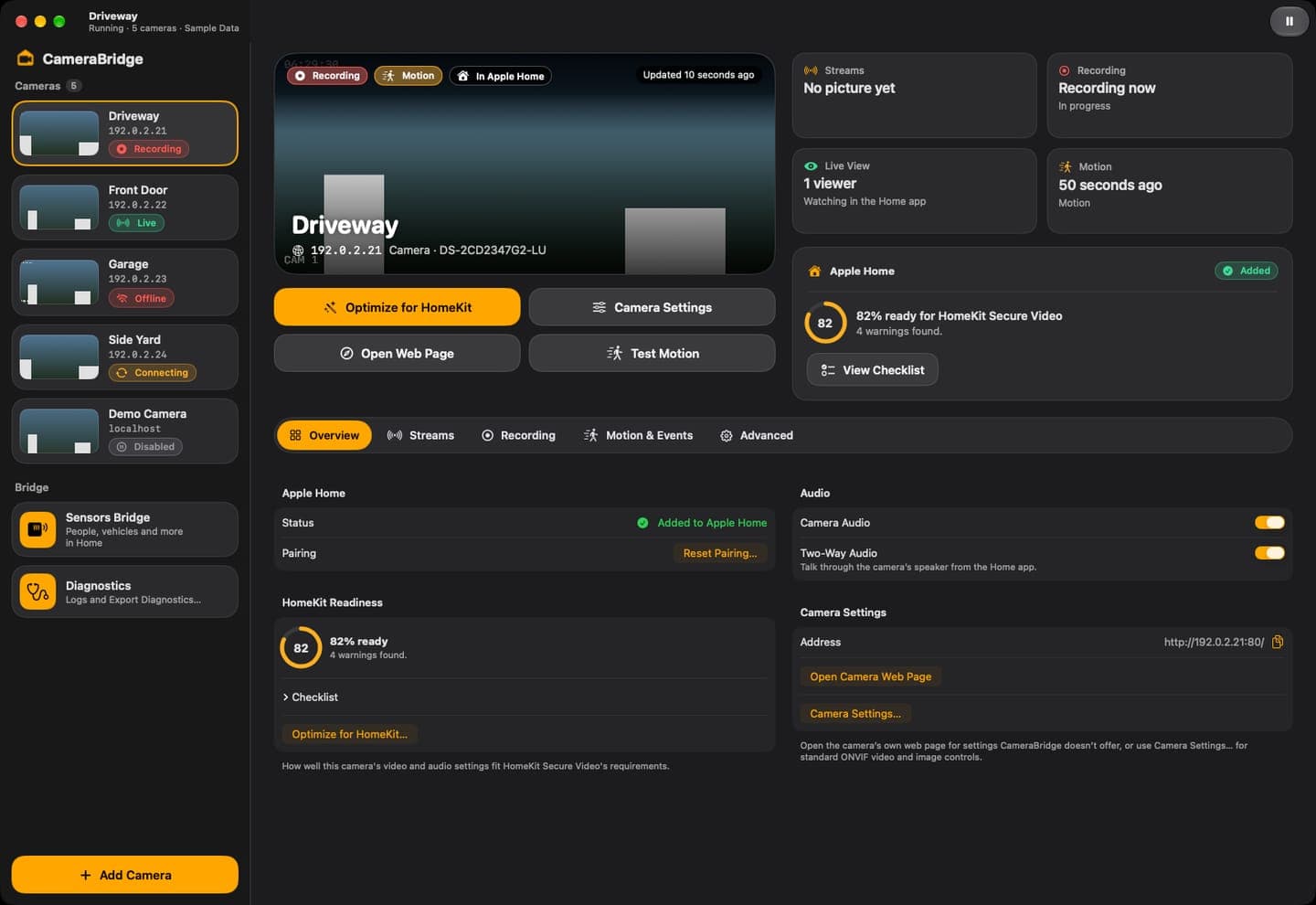
An appliance that looks after itself
Camera Bridge OS installs from a USB stick. It joins the network by cable, or opens a setup hotspot for a phone, then installs itself to the PC's internal disk from a web page. No keyboard, screen or Mac is needed.
Updates are A/B. The new version is written to the idle slot and gets three boots to pass a health check of the daemon, mDNS and the data partition; if it never passes, the box falls back to the previous version on its own. Releases are signed with minisign, and every file is hash-checked twice: once by an unprivileged downloader in a sandbox, and again by the root step that writes it.
The daemon runs as an unprivileged user and never starts anything privileged. Jobs like installing to disk or joining Wi-Fi go through request files: the names come from a fixed list, the bodies are built only from validated values, and a root helper checks both again. There is no sudo, no setuid program and no shell in the path.
Secure by default
The web interface serves the local network only and refuses unknown host names, which blocks DNS rebinding. Passwords are hashed with PBKDF2 at 600,000 rounds, wrong guesses lock out for longer each time, and sessions are 256-bit tokens kept only as hashes. Every request that changes something needs a matching origin and a CSRF token, and a strict Content Security Policy allows nothing but the bridge's own files.
Camera passwords, HomeKit keys and API keys live in the encrypted secret store and never appear in an answer, a log or the diagnostics. The firewall denies everything inbound that the bridge doesn't need, and there is no telemetry.
An optional internet guard makes the box a watched camera's DNS server. It answers every lookup with "does not exist", so the camera can't reach its cloud, and shows the owner what the camera tried to reach.
Recording, events and AI descriptions
The box records around the clock to its SSD or an attached drive, within limits on age and size. A timeline in the browser scrubs every camera at once, and clips export as MP4, copied untouched unless the owner asks for labels or straightening to be burned in.
Motion, person, vehicle, animal and package events come from the camera's own ONVIF events or native interface, or from built-in motion detection. They become Home notifications and recording triggers.
AI descriptions stay off until the owner turns them on for a camera. Each event then sends at most five still pictures to Claude or to an OpenAI-compatible service, which can be a model running at home. The key is write-only, the client never follows a redirect, and a daily limit caps the calls.
The website and docs
camera-bridge.app is a Next.js site with a small JSON API. It serves the camera-profile feed, takes opt-in setup reports that are validated and scrubbed before they reach private storage, and reads GitHub Releases, so the download buttons always point at the newest Camera Bridge OS.
Analytics are first-party and cookieless. Each visitor is a hash with a salt that changes every day, the IP address is never stored, and Do Not Track and Global Privacy Control are honored.
Highlights
- The HomeKit Accessory Protocol and HomeKit Secure Video, implemented from scratch in Swift.
- One portable engine for macOS and Linux, with a test that keeps it portable.
- A/B system updates with signed releases, three boot attempts and automatic rollback.
- A privilege-separated daemon: no sudo, no setuid and no shell between the web page and root.
- About 104,000 lines of tests for about 99,000 lines of engine code.
- AI event descriptions that are off by default and can stay on the home network.
Let's talk.
Tell me what you're building. I read every message myself and usually reply within one business day.